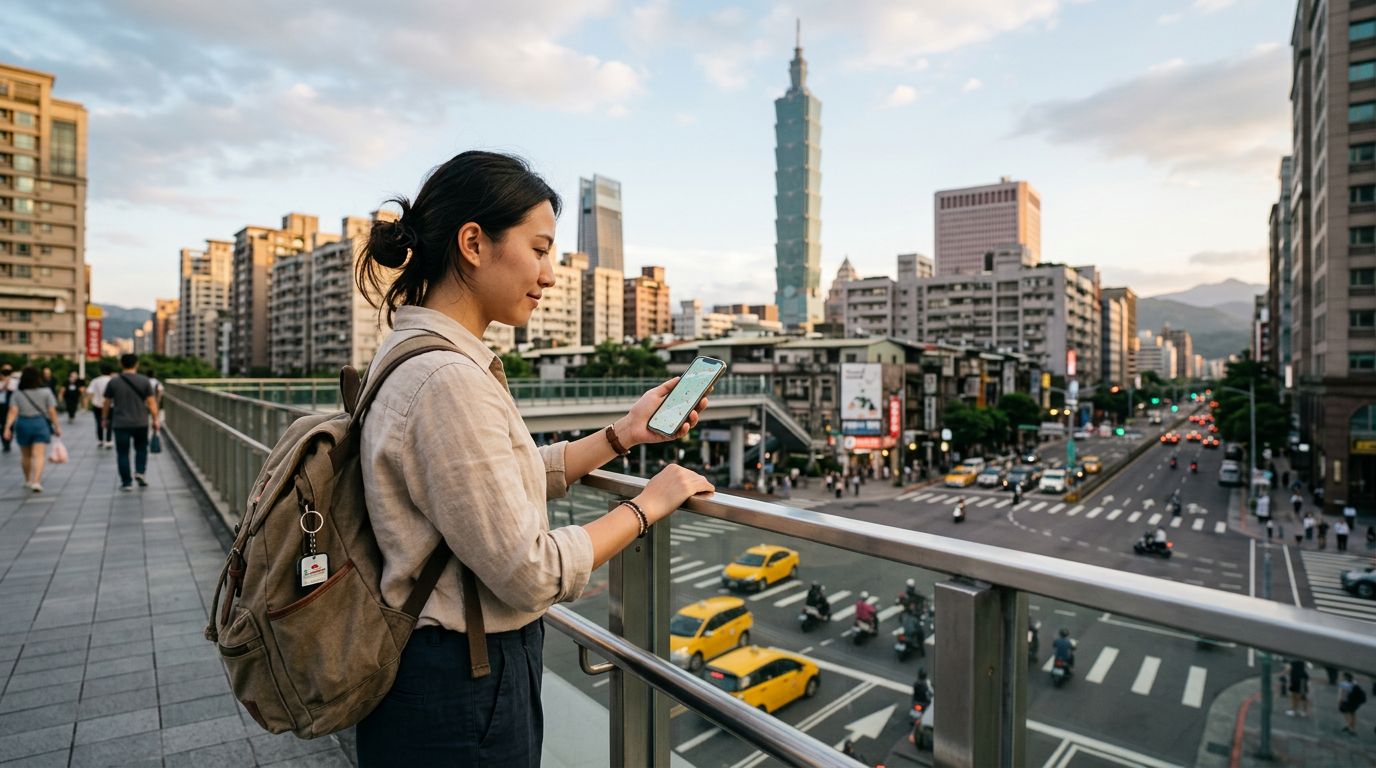
Arriving in Chile with Seamless Connectivity
Stepping off the plane at Arturo Merino Benítez International Airport in Santiago marks the beginning of your South American adventure, but it also brings the common stress of finding a reliable connection. Standing in a long queue at a kiosk to purchase a physical SIM card consumes precious time you could spend exploring. By installing your OneTapSIM eSIM while still at home on your Wi-Fi, you ensure that your phone is ready to go the moment your wheels touch the tarmac.
The first hour after landing is often the most critical for a traveller. You need to coordinate with your pre-booked airport transfer, pull up your digital reservation for your accommodation, or check the latest transit updates. Having data ready immediately means you can bypass the terminal crowds and head straight to your transport. Whether you are navigating the bustling streets of Santiago or heading toward the coastal hills of Valparaíso, having an active connection the moment you step out of the arrivals hall provides peace of mind and allows you to start your holiday without technical friction.
Digital Habits While Exploring Chile
Data usage in Chile often revolves around specific local tools that make travelling smoother. Ride-hailing apps are the standard way to move between neighborhoods in major cities, and having a reliable connection is essential for tracking your driver and sharing your trip status for safety. If you prefer public transit, local map applications are indispensable for checking bus routes and metro schedules, which are highly efficient in the capital.
Beyond navigation, your data will be your primary tool for communication and logistics. Many cafes and restaurants in Chile now utilize QR codes for menus, and having your own data ensures you can view these without relying on spotty public Wi-Fi. Messaging apps are the primary way to stay in touch with local hosts or tour guides, who often prefer quick text-based coordination over phone calls. Additionally, if your Spanish is limited, having instant access to translation tools allows you to communicate effectively at markets or when asking for directions in rural areas. While you might use your data to upload photos of the Andes or the Atacama Desert, the most important function remains the ability to manage your daily itinerary on the move.
Connectivity Through Partner Networks
When you choose a OneTapSIM eSIM for your journey, you are opting for a reliable way to access local infrastructure. Our service connects through partner networks such as WOM. This partnership allows your device to hook into established local systems, ensuring that you can maintain your connection as you move between the diverse landscapes of Chile. By leveraging these existing networks, you gain the ability to stay online across various regions, providing a consistent experience whether you are in the heart of Santiago or exploring the scenic valleys further afield.
Selecting the Right Data Plan
With 10 different plans ranging from 1 GB up to 20 GB of data, choosing the right option depends entirely on your specific travel style. If you are on a short city break, a smaller data allowance may suffice, especially if you plan to rely on hotel Wi-Fi for heavy tasks like video streaming or large file uploads. However, if your trip involves a longer stay or extensive travel across the country, a higher data allowance provides the freedom to use GPS-heavy apps and social media without constant concern over your remaining balance.
Validity periods range from 1 to 30 days, allowing you to match your eSIM duration precisely to your flight itinerary. For those who find themselves needing more data than initially expected, some plans offer the flexibility to top up mid-trip. This modular approach ensures you only pay for what you need, providing better value than purchasing a large, unnecessary package. Consider your daily habits: if you are a light user who only checks emails and maps, a modest plan is ideal. If you are a heavy user who frequently relies on video calls or cloud-based photo backups, opting for a higher data tier is the most practical choice.
Practical Tips for Dual-SIM Management
Managing your home SIM alongside your travel eSIM is straightforward if you understand how to configure your device settings. Most modern smartphones allow you to keep your home number active for calls and texts while designating your OneTapSIM eSIM as the primary line for cellular data. It is essential to enter your phone’s settings and ensure that "Data Roaming" is toggled on specifically for your travel eSIM, while keeping it disabled for your home SIM to avoid unexpected charges from your home provider.
While public Wi-Fi is available in many hotels, airports, and cafes throughout Chile, it should be treated as a complement to your eSIM rather than your primary connection. Public hotspots can be inconsistent and are not always secure for sensitive tasks like banking. By keeping your home SIM active for essential SMS verification codes and using your eSIM for all other data needs, you maintain a perfect balance of connectivity and security throughout your trip.