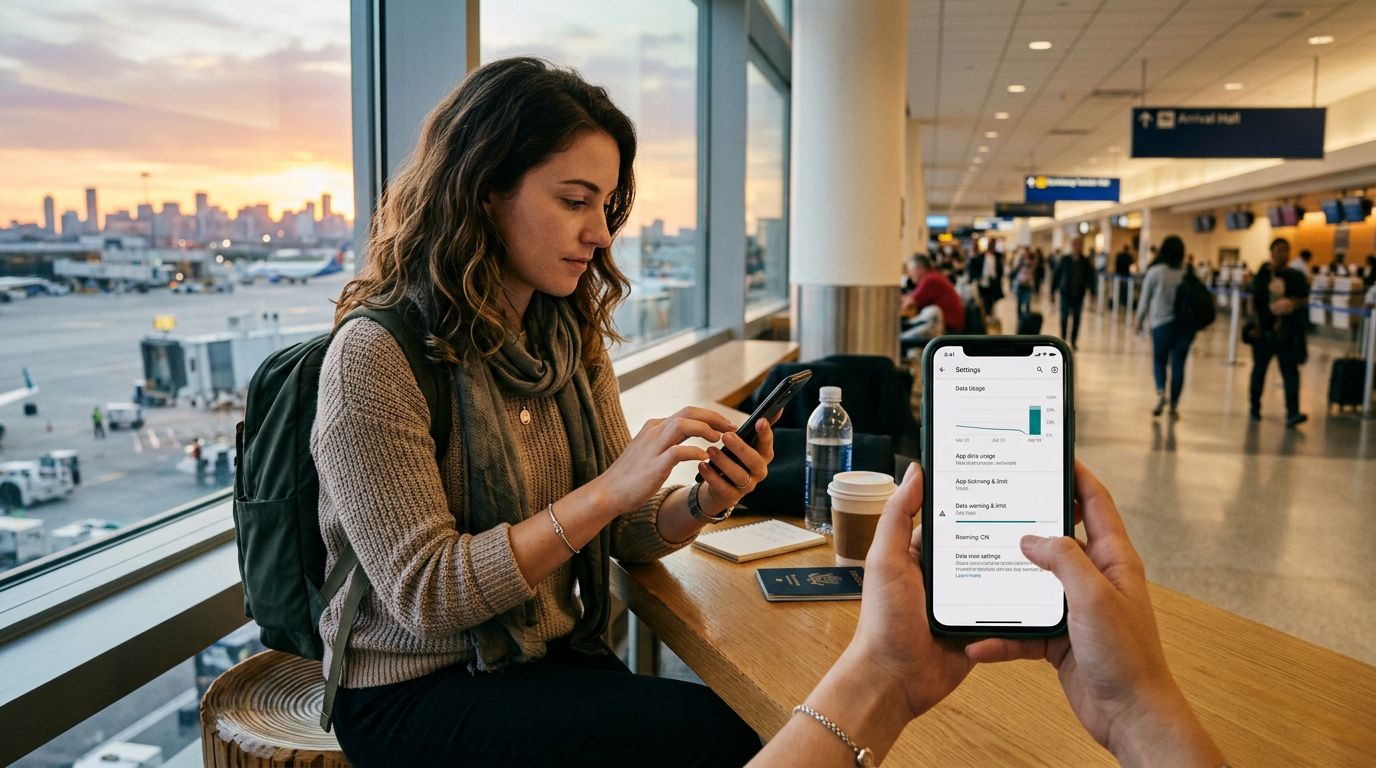
Taiwan is a destination that demands constant connectivity. From navigating the intricate maze of Taipei’s night markets to using real-time translation apps in rural mountain villages, your smartphone is your most valuable travel companion. However, travelers often find themselves burning through their data allowance faster than expected, leading to throttled speeds or unexpected connectivity gaps. By understanding how your device interacts with local networks and optimizing your settings, you can ensure your trip remains smooth and connected without constant worry.
Understanding Your Connectivity Needs in Taiwan
The first step in managing data usage in Taiwan involves identifying which activities consume the most bandwidth. High-definition video streaming, automatic cloud backups, and social media feeds that auto-play videos are the primary culprits for rapid data depletion. When you arrive in Taiwan, your phone often attempts to perform background syncs—updating apps, uploading photos to the cloud, and fetching email—all of which consume data silently in the background.
To maintain control, start by auditing your device settings before you even land. Both iOS and Android operating systems have built-in features that allow you to track data consumption per application. By reviewing which apps are the biggest offenders, you can restrict their background access. For example, if a photo-sharing app is consuming gigabytes of data while you are simply walking between temples, you can toggle off its ability to use cellular data, forcing it to wait until you are connected to a stable Wi-Fi network at your hotel or a local cafe.
Choosing a reliable provider like OneTapSIM allows you to focus on your experience rather than troubleshooting connectivity. Because OneTapSIM is designed specifically for international travel, it provides a stable connection to Taiwan’s top-tier cellular infrastructure. By starting with a clear understanding of your habits, you can tailor your data consumption to prioritize navigation, communication, and essential research, ensuring your allowance lasts for the duration of your stay.
Optimizing Device Settings for Efficient Data Consumption
Once you have identified the high-usage apps, it is time to optimize your device settings to minimize unnecessary consumption. One of the most effective ways to manage data usage in Taiwan is to disable "Wi-Fi Assist" or "Network Switch" features. These settings are designed to automatically switch your phone to cellular data if your Wi-Fi signal becomes weak or unstable. While this sounds helpful, it can cause your phone to jump onto your cellular plan unexpectedly, especially in busy urban areas where public Wi-Fi networks might be congested.
Another critical setting to adjust is your map application. If you are planning to travel extensively, download offline maps before you leave your accommodation. While navigation apps are essential for finding your way through Taiwan’s winding streets, they are data-heavy when they need to constantly download map tiles in real-time. By downloading the specific regions you plan to visit, you can rely on your phone’s GPS—which does not require cellular data—to guide you.
Additionally, consider the quality settings within your media applications. If you enjoy listening to music or podcasts while riding the high-speed rail, ensure your apps are set to stream at a lower quality or, better yet, download your media files while on a reliable Wi-Fi connection. Social media platforms also have "Data Saver" modes that prevent videos from playing automatically as you scroll. Enabling these simple settings can extend your data life significantly, allowing you to stay connected for longer periods without needing to track your balance constantly.
Strategic Connectivity with OneTapSIM
Managing data usage in Taiwan is not just about restriction; it is about choosing the right tools that offer transparency and ease of use. OneTapSIM provides a streamlined experience that removes the complexity often associated with international roaming. Because the setup process is integrated directly into your device’s eSIM settings, you avoid the physical hassle of swapping SIM cards or dealing with local kiosks.
When you use OneTapSIM, you gain the advantage of a direct connection to local networks, which provides better latency and reliability than traditional roaming through your home carrier. This stability is crucial when you are relying on ride-sharing apps or checking train schedules. When your connection is fast and reliable, you spend less time waiting for pages to load and less time re-trying requests, which inherently reduces the amount of data wasted on failed or slow-loading attempts.
Finally, keep an eye on your device's "Low Data Mode" or "Data Saver" settings. These modes are specifically designed to pause background updates and syncs, ensuring that your data is reserved strictly for the tasks you are actively performing. When you are visiting a busy night market or a remote national park, the last thing you want is a system update consuming your precious data. By utilizing the management tools provided by your operating system alongside the consistent service of OneTapSIM, you can enjoy the vibrant culture, food, and landscapes of Taiwan with the peace of mind that your digital connection is secure, efficient, and perfectly suited to your needs. This approach allows you to spend less time managing your phone and more time enjoying the unique experiences that make Taiwan such a remarkable place to visit.