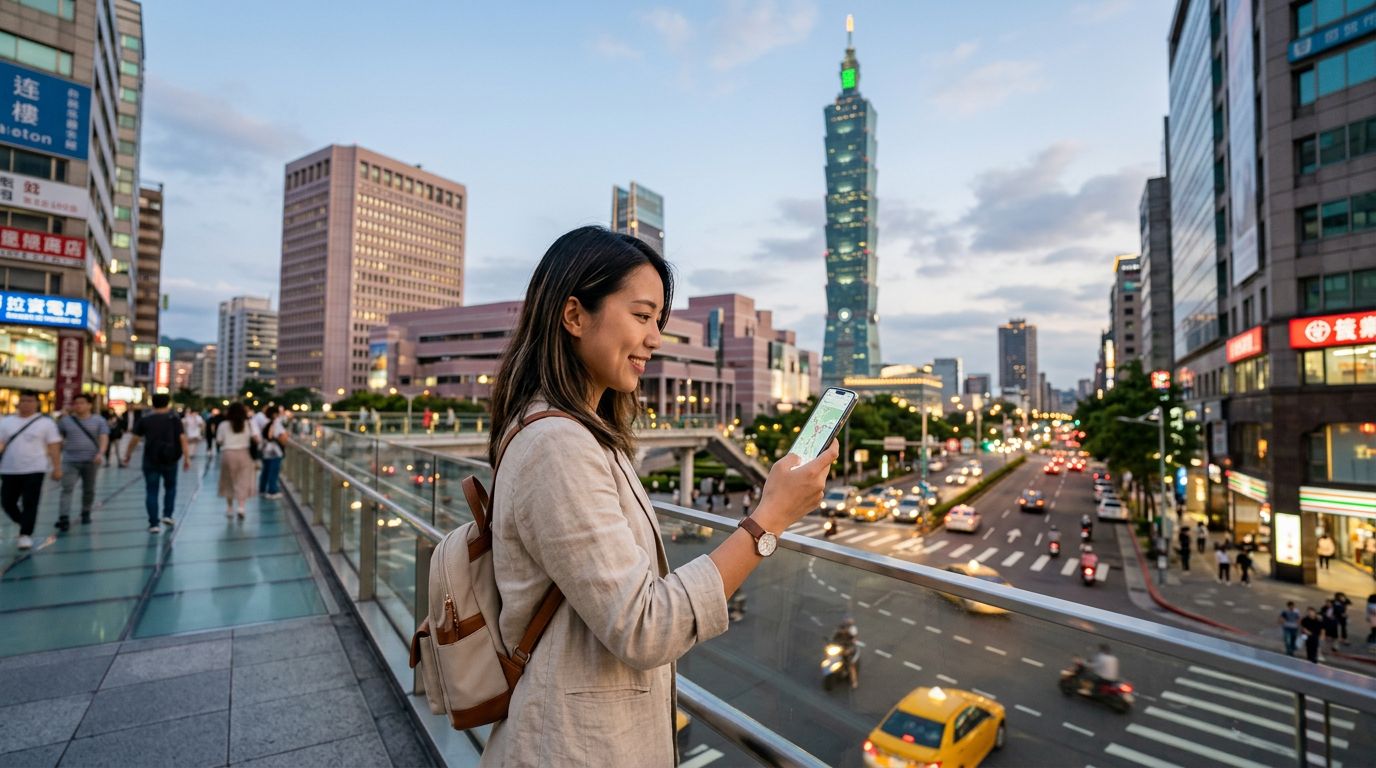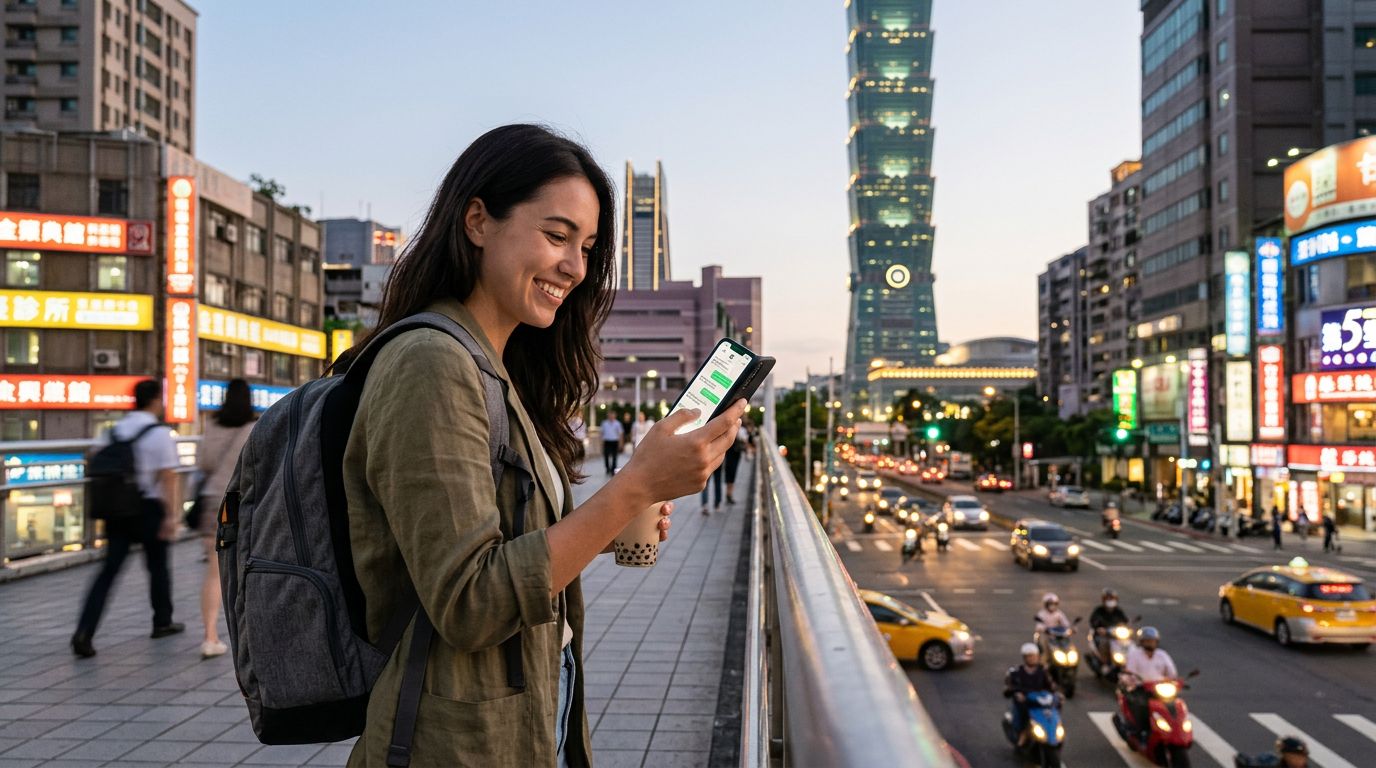
Traveling to Taiwan offers an incredible blend of bustling night markets, serene mountain landscapes, and high-tech urban centers. Whether you are exploring the narrow alleys of Jiufen or the towering heights of Taipei 101, staying connected is essential. One of the most common concerns for international travelers is how to manage their messaging apps, particularly when switching to a local data source. If you are wondering how to keep your WhatsApp number while in Taiwan, the good news is that the process is straightforward and does not require you to lose access to your existing contacts or chat history.
Understanding How WhatsApp Handles Phone Numbers
Many travelers mistakenly believe that their WhatsApp account is tied to the physical SIM card inside their phone. In reality, WhatsApp is tied to the account registration associated with your phone number, not the specific hardware currently inserted into your device. When you install a travel eSIM like OneTapSIM, you are essentially adding a data-only plan to your phone. This allows you to access the internet without needing to remove your primary SIM card.
Because your WhatsApp account is already verified and active on your device, it will continue to function normally as long as your phone has an active internet connection. When you land in Taiwan and activate your OneTapSIM, your phone will use the eSIM for mobile data. WhatsApp will detect this data connection and route your messages, calls, and media through it seamlessly. You do not need to re-verify your number or change any settings within the app. Your contacts will still see your original number, and your message history will remain exactly where you left it.
This setup is the primary advantage of using modern eSIM technology. By keeping your primary SIM card active—or simply keeping your "Primary" line settings configured to receive calls—you ensure that your authentication services, such as banking apps or two-factor authentication codes, continue to arrive at your home number. Meanwhile, your data traffic is offloaded to the local Taiwan network via your eSIM, providing you with high-speed connectivity without the roaming charges associated with your home carrier.
Configuring Your Phone for Seamless Connectivity
To ensure you maintain your connection without interruption, you must configure your device settings correctly before or upon arrival in Taiwan. Most modern smartphones allow for "Dual SIM" functionality, where one SIM handles voice and SMS, while the other handles data.
When you install your OneTapSIM, your phone will prompt you to label your SIM cards. It is helpful to label your home SIM as "Primary" and your new eSIM as "Travel." Once installed, navigate to your cellular data settings. Ensure that "Allow Cellular Data Switching" is turned off. This prevents your phone from accidentally reverting to your home carrier’s roaming data, which can be costly. Instead, manually select your OneTapSIM as the designated line for "Cellular Data."
With this configuration, your phone treats your home SIM as the "voice" line and your eSIM as the "data" line. WhatsApp will automatically prioritize the active data connection provided by your eSIM. You will be able to send messages, make voice calls, and share photos just as you would at home. If you receive a call on your home number, your phone will use your primary carrier’s roaming voice protocol, while your data-heavy tasks, like loading maps or streaming music, will flow through the local Taiwan network. This is the most efficient way to keep your WhatsApp number while in Taiwan while avoiding the pitfalls of international roaming data.
It is also worth noting that you should keep your primary SIM card enabled for "Voice" or "Calls" if you expect to receive SMS messages from your bank or home service providers. By keeping both lines active, you maintain the best of both worlds: the reliability of your home number for identity verification and the speed of a local data connection for your daily digital needs.
Why eSIMs Are the Preferred Choice for Taiwan Travel
Taiwan has a highly advanced telecommunications infrastructure, making it an ideal destination for eSIM users. When you choose an eSIM, you avoid the physical hassle of finding a shop at the airport, waiting in long queues, and swapping out tiny plastic cards that are easy to lose. With OneTapSIM, you can purchase and install your data plan before you even board your flight, ensuring that you are connected the moment your wheels touch the tarmac at Taoyuan International Airport.
Beyond the convenience of installation, using an eSIM allows you to manage your data usage more effectively. You can monitor how much data you have consumed through your phone’s built-in settings, allowing you to adjust your usage if you are planning to spend a few days in remote areas where high-speed coverage might vary. Because you are using a local data path, your connection is generally more stable and faster than traditional roaming, which often routes your traffic back through your home country’s servers before sending it to the internet.
Furthermore, by keeping your original SIM card in your phone, you ensure that you never miss an important notification. Many travelers find that the stress of losing their home SIM card is one of the biggest drawbacks of traditional travel methods. With an eSIM, your physical SIM remains safely tucked inside your phone’s tray for the duration of your trip. This security, combined with the ease of maintaining your WhatsApp account, makes the eSIM experience the gold standard for modern travel.
As you prepare for your trip to Taiwan, remember that your digital identity is portable. You do not need to sacrifice your existing communication channels to enjoy the benefits of local data. By utilizing an eSIM for your data needs and keeping your primary line active for essential services, you can focus on the sights, sounds, and flavors of Taiwan, knowing that your WhatsApp conversations are always just a tap away.