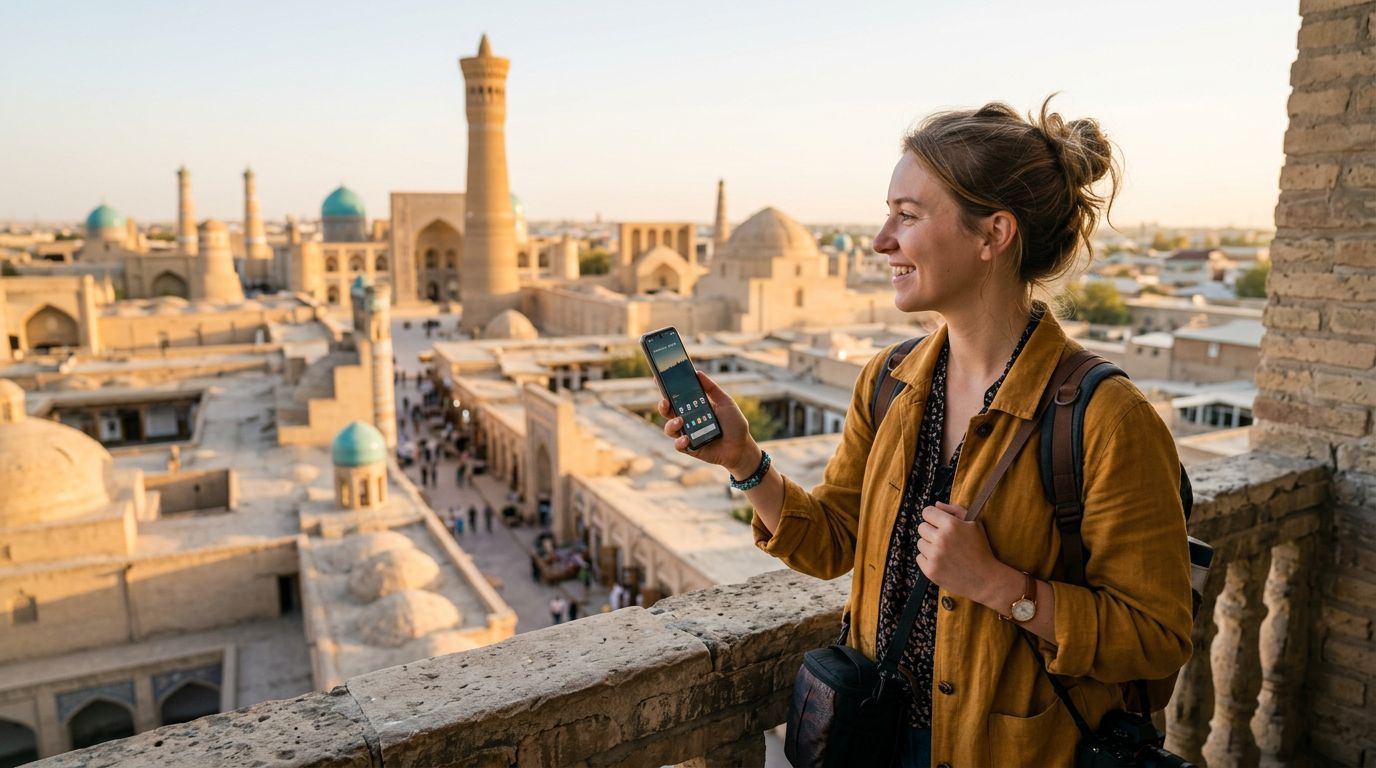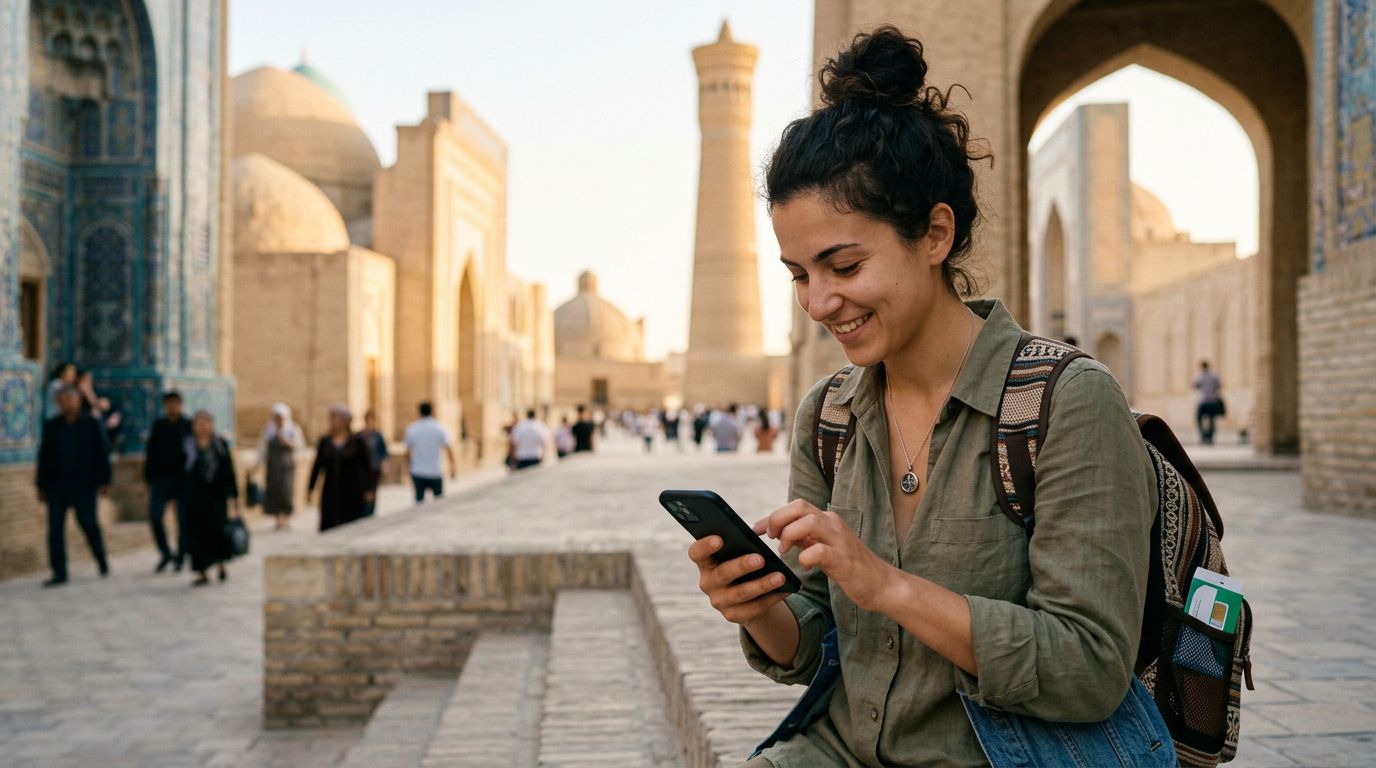
Traveling to Uzbekistan offers a blend of ancient Silk Road history, stunning blue-tiled architecture, and vibrant bazaars. Whether you are wandering through the Registan in Samarkand or exploring the walled city of Khiva, staying connected is essential. For most travelers, the primary concern is not just accessing the internet, but ensuring that their primary communication tools remain functional. Specifically, keeping your WhatsApp number in Uzbekistan is a top priority for those who rely on the app to stay in touch with family, friends, or colleagues back home.
Many travelers mistakenly believe that changing their physical SIM card will disrupt their WhatsApp account. Fortunately, WhatsApp is linked to your account identity rather than the specific SIM card currently inside your phone. As long as you follow the correct setup procedures, you can enjoy seamless connectivity throughout your Uzbek adventure without losing your chat history or your existing contacts.
How WhatsApp Connectivity Works While Traveling
The most common misconception about international travel is that swapping a SIM card will force you to change your WhatsApp number. This is not the case. WhatsApp is tied to your account profile, which is verified by your original phone number. When you install a travel eSIM, such as a solution from OneTapSIM, you are simply adding a secondary data connection to your device. Your original SIM card—even if it is physically removed or toggled off—remains the "home" number for your WhatsApp account.
If you have a dual-SIM phone, you can keep your primary SIM card active alongside your travel eSIM. In this configuration, your phone uses the primary SIM for SMS and calls (if roaming is enabled) and the eSIM for high-speed data. WhatsApp will continue to function exactly as it did at home. Even if you choose to turn off your primary SIM to avoid expensive roaming charges, your WhatsApp account remains tethered to your original number. You will not be prompted to re-register or verify your account unless you manually choose to change the number within the app settings.
To ensure a smooth transition, verify your WhatsApp settings before you leave. Ensure that your account is backed up to your cloud storage service—either iCloud for iOS users or Google Drive for Android users. This protects your message history in the rare event that you need to reinstall the application. Once you arrive in Uzbekistan and activate your OneTapSIM, your phone will automatically switch to the eSIM for data, allowing you to use WhatsApp over the local network while maintaining your original identity.
Managing Your SIM Settings for Seamless Travel
When you arrive in Tashkent or any other major city, the process of activating your travel eSIM should be straightforward. If you are using an iPhone, you can manage your cellular settings through the standard iOS interface. If you are using an Android device, the process is handled through your network settings menu. The goal is to ensure that your device prioritizes the eSIM for data traffic while keeping your primary SIM card in a state that preserves your WhatsApp identity.
For many travelers, the best strategy is to keep the primary SIM card active but disable "Data Roaming" for that specific line. This prevents your home carrier from charging you for background data usage while ensuring that the phone still recognizes the SIM card associated with your WhatsApp account. By setting your OneTapSIM as the primary line for "Cellular Data," you ensure that all your internet-based applications, including WhatsApp, use the local data connection.
If you are concerned about accidental charges, you can keep your primary SIM card active only for calls and texts, or switch it off entirely. Even with the primary SIM card turned off, your WhatsApp account will remain active. The application does not require the physical presence of the SIM card to function, provided you have already completed the initial registration. When you return home, simply toggle your primary SIM back on, and your phone will revert to its original configuration. This flexibility is the primary advantage of using a modern eSIM solution, as it separates your data needs from your identity-based communication tools.
Troubleshooting Common Connectivity Issues
While the process is generally seamless, minor technical hiccups can occur. If you find that your WhatsApp is not sending messages despite having an active data connection via your eSIM, the first step is to check your APN (Access Point Name) settings. Most modern phones configure this automatically, but if you have trouble, you can consult the support documentation provided by your eSIM provider.
Another potential issue involves the "Change Number" feature within WhatsApp. Be very careful to avoid clicking this button unless you genuinely intend to migrate your account to a new, permanent number. If you accidentally trigger this, WhatsApp will attempt to verify your new Uzbek number, which could lead to complications with your original contacts. Stick to your existing number and ignore any prompts to update your account details.
If you are traveling with a group and need to coordinate, WhatsApp remains the most reliable tool in the region. Because OneTapSIM provides stable, high-speed data across Uzbekistan, you will likely find that your voice and video calls within WhatsApp are just as clear as they would be on a home Wi-Fi network. If you experience a slowdown, toggle your "Airplane Mode" on and off to force the device to re-establish a connection with the local cellular towers.
Finally, remember that your phone’s operating system plays a role in how these connections are managed. Always ensure your device is updated to the latest software version before embarking on your trip. Whether you are using a device running iOS or Android, keeping your software current ensures that your eSIM compatibility is optimized and that your privacy and security settings are fully functional. By preparing your device correctly and utilizing a reliable data source, you can focus on the beauty of Uzbekistan, knowing that your communication lines remain open and secure.
Get an eSIM for
Plans for the destinations covered in this guide, with instant QR delivery.