

Arriving in Panama with Instant Connectivity
Stepping off the plane at Tocumen International Airport, the transition from the air-conditioned cabin to the humid Panamanian air is usually followed by a long, exhausting queue at a local SIM kiosk. By choosing to install your OneTapSIM eSIM while still at home on your own stable Wi-Fi, you bypass the airport chaos entirely. As soon as your wheels touch the tarmac in Panama, you are ready to go.
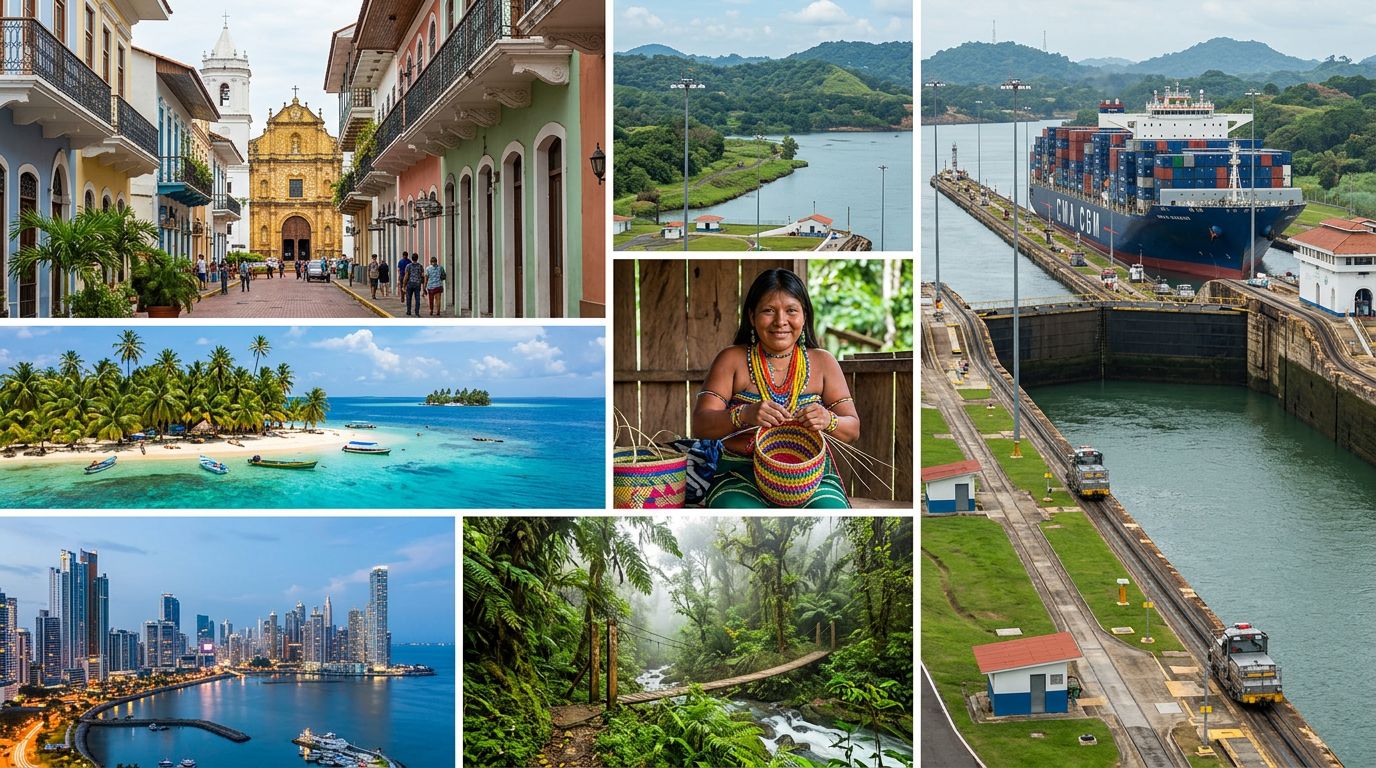
The first hour after landing is the most critical for any traveller. Instead of hunting for a physical shop or struggling with airport Wi-Fi that requires a login, you can immediately fire up a ride-hailing app to secure your transport into Panama City. Having your maps loaded and ready ensures you can track your route to your accommodation, and you can message your host or hotel directly to confirm your arrival time. This seamless start allows you to focus on the sights of the Panama Canal or the historic Casco Viejo rather than the logistics of finding a connection.
Data Usage for the Modern Panama Traveller
Panama is a country that increasingly relies on digital tools for daily convenience. Whether you are navigating the modern skyline of the banking district or exploring the cobblestone streets of the old quarter, your data plan serves several specific needs. Ride-hailing apps are the standard way to move between districts, and having a reliable connection is essential for tracking your driver in real-time.
Beyond transit, you will find that translation apps are frequently useful when interacting with local vendors, especially if you venture away from the major tourist hubs. Many cafes and restaurants in Panama now use digital menus accessible via QR codes, and digital wallets are becoming common for quick, contactless payments. Furthermore, messaging apps remain the primary method for staying in touch with family back home or coordinating plans with fellow travellers. Because you will be using your phone as a navigator, translator, and payment device, having a consistent data source is far more practical than relying on sporadic, public Wi-Fi hotspots.
Reliable Connectivity Across the Country
Your OneTapSIM eSIM connects through partner networks such as movistar. This partnership ensures that you have a functional data connection as you travel across the diverse landscape of North America’s bridge between two oceans. Whether you are spending your time in the dense urban environment of Panama City, visiting the locks of the canal, or heading toward the beaches of the Pacific coast, your device will tap into these established networks to keep you online. By relying on an established partner network, you maintain the flexibility to move freely without being tethered to a single Wi-Fi source or worrying about the limitations of a physical SIM card.
Choosing the Right Plan for Your Journey
With 13 different plans available, ranging from 1 GB to 20 GB of data and valid for 1 to 30 days, you can tailor your connectivity to your specific itinerary. If you are on a short city break to Panama, a smaller data allowance may suffice for basic messaging and occasional map lookups. However, if you plan to stay for a longer period or intend to use your data for streaming, uploading travel photos, or heavy navigation, a larger allowance provides better value and peace of mind.
The flexibility of these plans means you do not have to pay for more than you need, yet you have enough capacity to avoid the frustration of running out of data while mid-trip. For those who find their usage higher than expected, some plans offer the option to top up mid-trip, ensuring your connection remains uninterrupted throughout your stay in Panama.
Practical Tips for Dual-SIM Management
Managing your phone settings correctly is the secret to a smooth travel experience. Before you leave, keep your home SIM card active if you need to receive SMS verification codes for your bank or other essential services. Most modern smartphones allow you to run two SIMs simultaneously. In your device settings, you should designate your home SIM for calls and texts, while specifically toggling your cellular data to the OneTapSIM travel line.
Ensure that "Data Roaming" is switched ON for your travel eSIM but OFF for your home SIM to prevent accidental charges from your home provider. While Panama has a growing number of public Wi-Fi spots in hotels and shopping centers, these are best used as a complement to your eSIM rather than a replacement. Relying on your own data connection provides the security and convenience required to navigate Panama with confidence, keeping you connected from the moment you land until you depart.


