Why a Dual SIM Setup is Essential for Chad
Traveling to Chad presents a unique set of logistical challenges, particularly when it comes to maintaining reliable communication. Whether you are visiting N'Djamena for business or trekking through the rugged landscapes of the Ennedi Plateau, staying connected is vital for safety and coordination. A dual SIM setup allows you to bridge the gap between your home network and local connectivity without the hassle of swapping physical cards or dealing with exorbitant roaming charges.
When you arrive in a country where infrastructure varies significantly between urban centers and remote regions, having two active lines provides a crucial safety net. By keeping your primary home number active for essential two-factor authentication or urgent calls, you can simultaneously utilize a secondary data-only line for maps, messaging, and information. This configuration ensures that you are never left without a signal, as you can toggle between networks if one provider experiences local outages or signal drops.
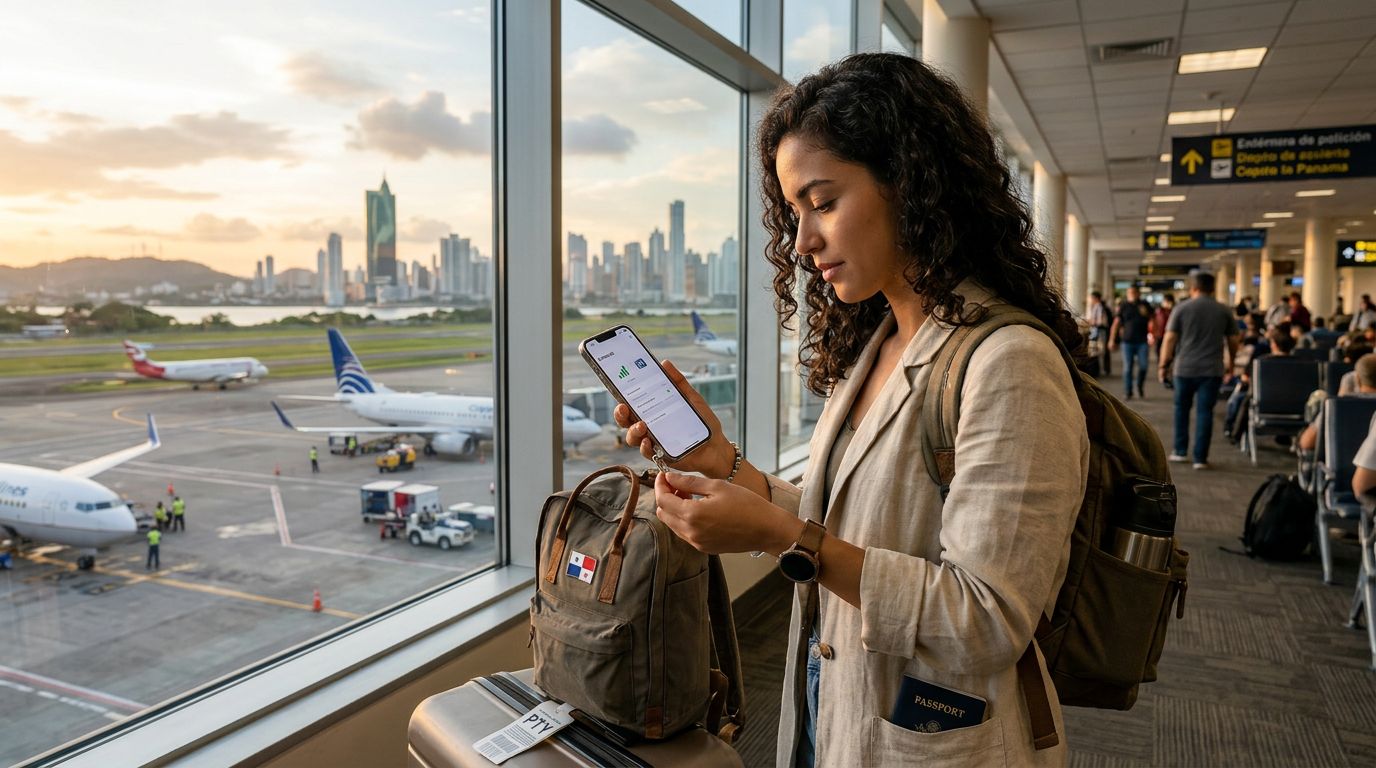
OneTapSIM simplifies this process by allowing travelers to install a digital profile before they even board their flight. Instead of hunting for a kiosk at the airport or worrying about the compatibility of local physical SIM cards, you can activate your data plan through your phone’s settings. This approach is particularly beneficial in Chad, where language barriers or limited retail availability at points of entry can make procuring a physical card a time-consuming ordeal.
Configuring Your Device for Dual Connectivity
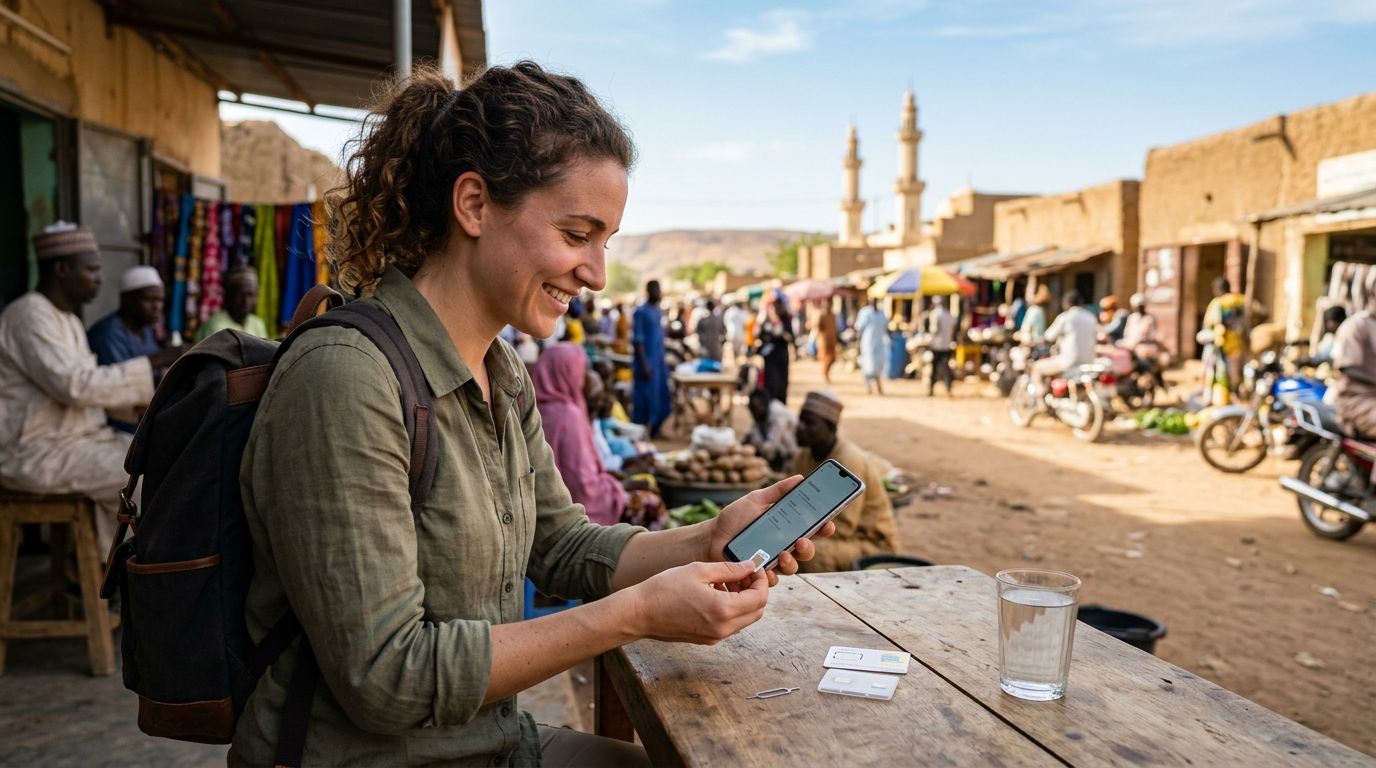
Setting up a dual SIM configuration requires a device that supports eSIM technology. Most modern smartphones, including recent iterations from major manufacturers, are designed to handle multiple profiles simultaneously. To begin, ensure your device is carrier-unlocked. If your phone is locked to a specific provider, it will not accept a secondary digital SIM, regardless of the service provider you choose.
For iPhone users, the process involves navigating to the cellular settings menu to add a new plan. You can scan a QR code or enter details manually provided by your eSIM service. Once the profile is installed, your phone will prompt you to label each line. It is recommended to name your primary line "Home" and your secondary line "Travel" or "OneTapSIM" to avoid confusion when switching between them. You can then designate which line should be used for mobile data. It is standard practice to keep your home line set to "Voice and SMS" while assigning the secondary line exclusively to "Cellular Data." This prevents accidental roaming charges on your home account while ensuring you have a steady stream of data for navigation and communication apps.
Android users will follow a similar path within the "Network & Internet" or "Connections" settings. The interface allows you to manage SIM cards individually, giving you the ability to toggle the secondary data connection on or off with a single tap. If you find yourself in an area with poor coverage, you can easily switch your data preference to the secondary profile. Always remember to check that "Data Roaming" is enabled for your secondary profile, as this is how eSIM services typically bridge the connection to local towers.
Best Practices for Connectivity in Chad
Chad’s telecommunications landscape is distinct, and having a reliable data plan is only half the battle. To maximize your connectivity, you should manage your data usage effectively. Even with a dedicated travel plan, background processes on your smartphone can consume data rapidly. Before departing, go through your app settings and disable "Background App Refresh" for non-essential applications. This ensures that your data allocation is reserved for high-priority tasks like using GPS, checking emails, or communicating via encrypted messaging apps.
Offline maps are another essential tool for travel in Chad. While your eSIM will provide data in many locations, connectivity can be intermittent in remote areas or during transit between regions. Downloading offline maps for the specific provinces you intend to visit ensures you have reliable navigation regardless of your network status. Similarly, ensure that your cloud storage services are set to sync only over Wi-Fi, preventing them from draining your mobile data balance while you are on the move.
Battery management is equally important. Maintaining two active SIM profiles can sometimes lead to slightly higher battery consumption, as the device is actively polling two different networks. To mitigate this, keep a portable power bank in your carry-on bag. If you are venturing into particularly remote areas where electricity is scarce, consider enabling "Low Power Mode" on your device to extend the life of your battery and reduce the frequency of background data requests.
By utilizing a service like OneTapSIM, you gain the flexibility to manage your connectivity needs from a single interface. If you find that your data usage is higher than anticipated, you can often monitor your consumption through your account portal. This level of control is a significant advantage over traditional roaming, which often leaves travelers in the dark regarding their usage until a large bill arrives. With a dual SIM setup, you maintain autonomy over your digital experience, allowing you to focus on the sights and sounds of Chad rather than the technical difficulties of staying online. Always remember to keep your software updated to the latest version, as manufacturers frequently release patches that improve dual SIM stability and signal handoff performance. With proper preparation and the right tools, your journey through Chad can remain connected and stress-free.